
 Letters spacing
 Line height
 Default
 Big
Big More big
 Default
 Black & White
Starting your banking journey Getting started with Personal Internet Banking
srchThumbnail:/en/Images/banking-online-safely-200x200_tcm41-600432.webp
Personal Internet Banking lets you manage your account online whenever it suits you. Instead of visiting a branch, you can access a range of banking services through your computer or mobile browser. For Universal Account customers, Personal Internet Banking is the primary way to access and manage your account.
What can you do with Personal Internet Banking?
Personal Internet Banking gives you access to important banking services, including:
- Checking your account balance
- Viewing transaction history
- Paying utility and telecom bills
- Transferring money within account limits
- Managing beneficiaries
- Accessing available account services
Checking your account regularly can help you stay informed about your finances and monitor your account activity.
Learn how to register for Personal Internet Banking.
Keeping your account secure
Online banking is convenient and secure when you follow a few simple precautions. To help protect your account and personal information:
- Use a strong password
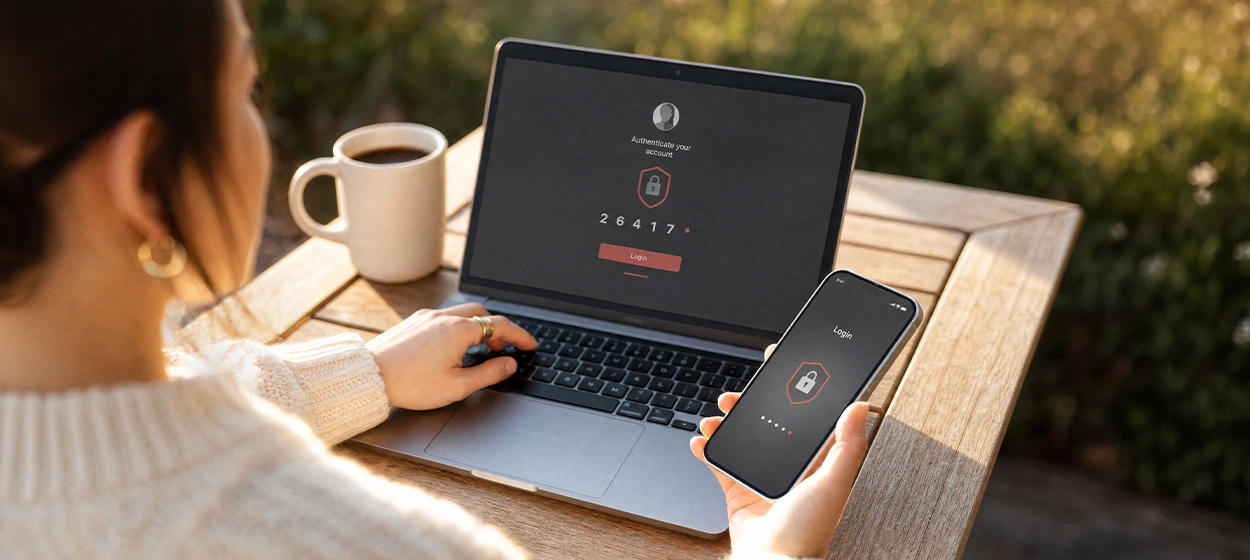
- Never share your password or one-time password (OTP)
- Avoid using public or shared computers
- Log out after each banking session
- Keep your contact details up to date
Remember that the bank will never ask for your password or OTP through email, SMS or phone calls.
Stay alert to scams
Fraudsters sometimes pretend to represent trusted organisations to try to obtain your personal or banking information. Be cautious if you receive messages or phone calls asking you to:
- Share your password or OTP
- Click on unfamiliar links
- Transfer money urgently
- Provide personal or banking information
If something does not seem right, do not respond immediately. Take a moment to verify the request through the bank’s official channels.
Explore tips to recognise and prevent fraud.
What should you do if you notice unusual activity?
Reviewing your account activity regularly can help you identify transactions you do not recognise. If you notice suspicious activity:
- Review the transaction details carefully
- Contact the bank as soon as possible
- Follow any instructions provided to help secure your account
Acting quickly can help protect your account and reduce potential risks.
Banking with confidence
Personal Internet Banking provides a simple and convenient way to manage your account and access everyday banking services.
By following safe online banking practices and staying alert to potential scams, you can use digital banking services with greater confidence and security.

Did you know?Your OTP is for your eyes only
A One-Time Password (OTP) is an extra layer of security that helps protect your account. Never share your OTP with anyone, even if they claim to be from the bank. If someone asks for your OTP, it could be a sign of fraud.
Knowledge quiz Which of the following helps keep your online banking account secure?
Tags: Starting out Articles Building wealth Wealth & investment management Learning investing Building savings Increasing wealth

