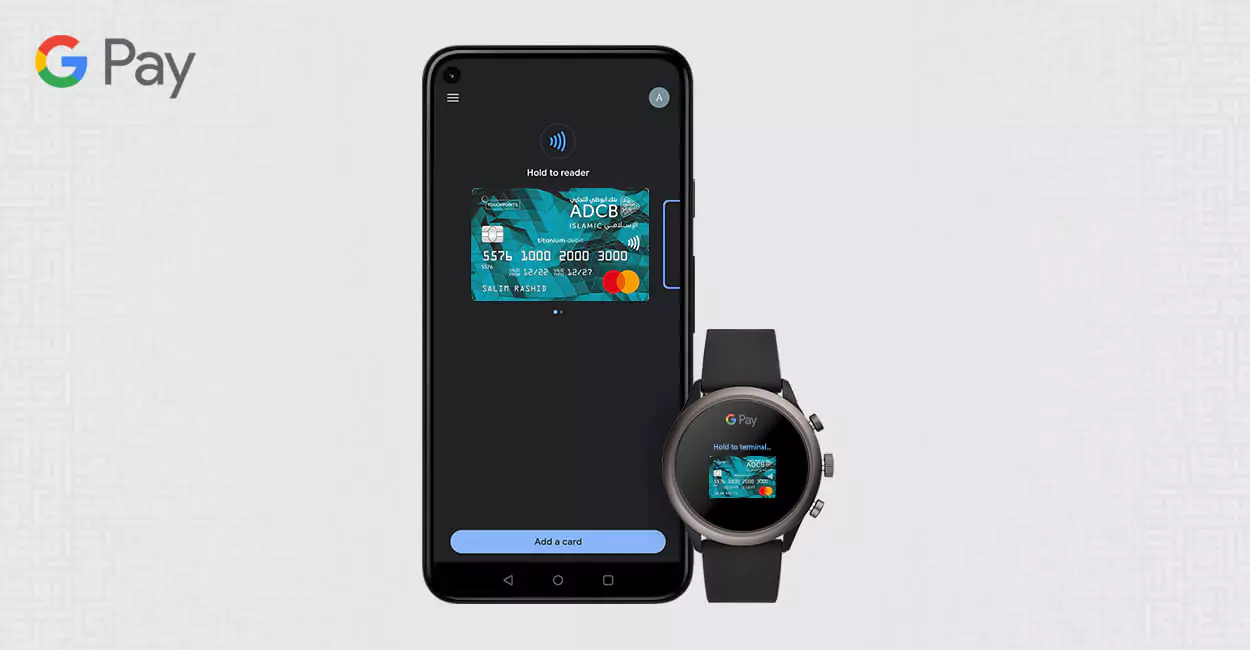
What is Google Pay?
Google Pay is a digital wallet that allows customers to pay for purchases without using cash or their physical card.
How does Google Pay work?
Google Pay uses contactless payment Near Field Communication (NFC) technology to facilitate point-of-sale payments. Google Pay can also be used to make online and in-app payments.
Which ADCB Islamic Banking Card can I use on Google Pay?
All ADCB Islamic Banking Credit and Debit Card can be used on Google Pay.
How do I set my ADCB Islamic Banking Card as the default card for payments?
To set your default card, open the Google Pay app and select the ADCB Islamic Banking Card you want to set as your default card and tap Default Card.
How many Cards can be added to Google Pay?
You can add up to 10 cards on your Google Pay account simultaneously.
Can I add the same Card on multiple Google Pay accounts?
The same card can be added to multiple accounts.
Will Google Pay transactions get approved when my Card is blocked?
No, all transactions on a blocked card will be declined.
What do I do if I lose my Google Pay enabled device?
If your device is lost or stolen, you can suspend or delete the card through your Google account by logging in to pay.google.com through a computer or another device. For further information on Google Pay, please visit support.google.com

 Letters spacing
 Line height
 Default
 Big
Big More big
 Default
 Black & White